iPhone & Apple Watch
Every setto zero.
A person who trains four times a week and racks every set with two reps left has a perfect attendance record and no gains. 2Failure is built around the one thing that actually moves the needle — and it holds the movements still so the load can move.
Push
Chest · Shoulders · Triceps
Pull
Back · Biceps · Trapezius +1
Legs
Quadriceps · Hamstrings · Glutes +2
The idea
One number decides everything
Reps in reserve. Log a set at RIR 0 and you have told the app the truth about it. Hit the top of your rep window with a rep or less left, and the weight goes up next session and the reps reset to the bottom. That is the whole engine, and everything else exists to serve it.
Double progression
Your goal sets the rep window. Clear the top of it at RIR ≤ 1 and the load jumps — 10 lb on lower-body bar and machine work, 5 lb everywhere else — and the reps reset to the bottom.
A written routine
Push, Pull and Legs, written out rather than drawn from a bank each time. Three new exercises every session gives you a different workout, not a better one — there is nothing to progress against.
Adapted to you
Five questions once, and the week is written. Your goal, experience, equipment, days and session length substitute movements, set the volume and pick the split — every line of it.
Recovery you can see
A body you can turn, every muscle group tinted by how long it has left to be fresh. Colour on the model only ever means fatigue.
The opener is an estimate
The one number the app has to invent is your first working weight, and it says so: OPENER 190 × 8. It is deliberately 10% light — guessing low costs one session, guessing high costs a set you cannot finish.
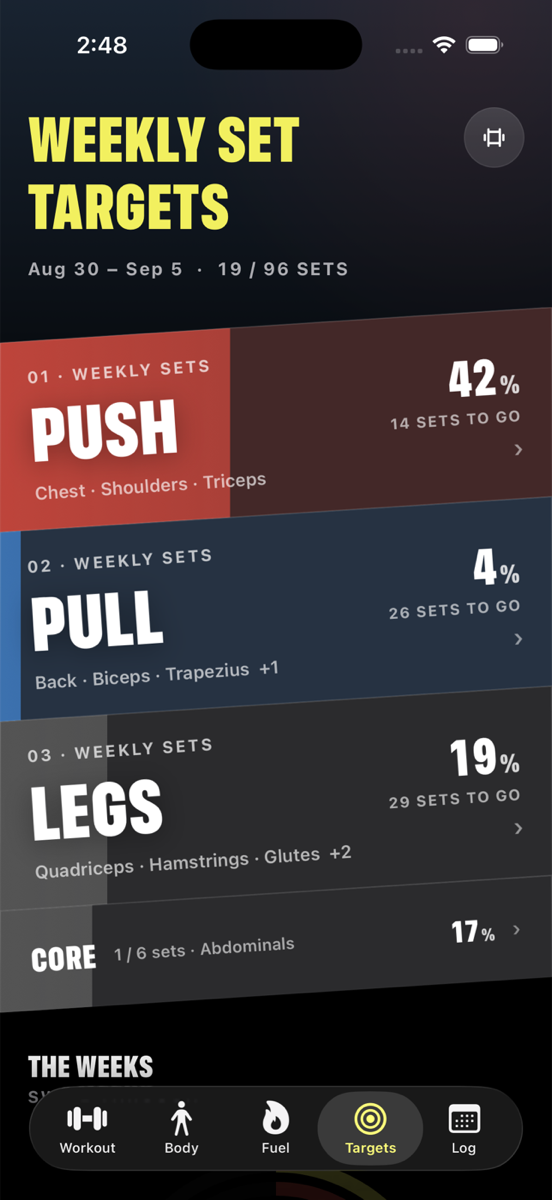
Weekly set targets
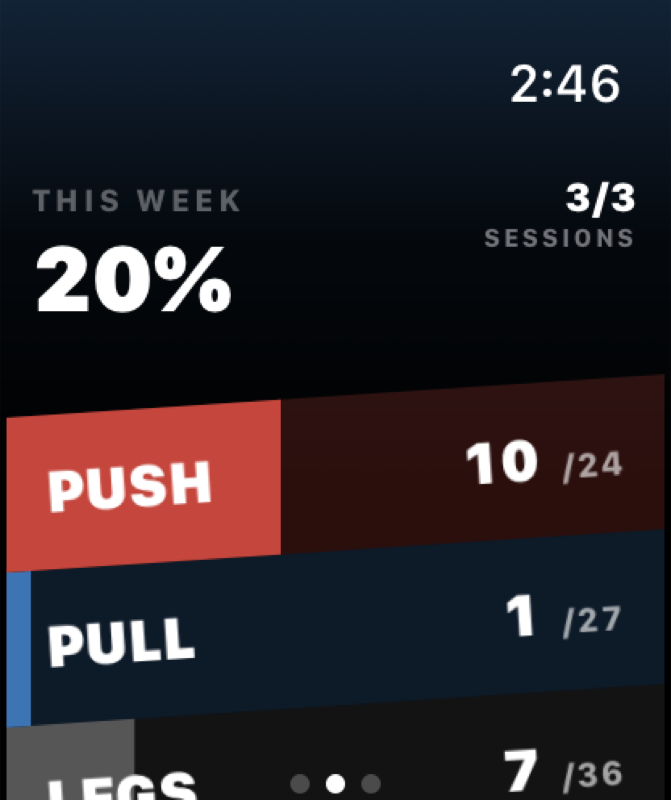
Per muscle and per group, as three slabs you can tap into. A week with nothing logged is exactly when you come to look, so the bands carry their colour from zero.
In the gym
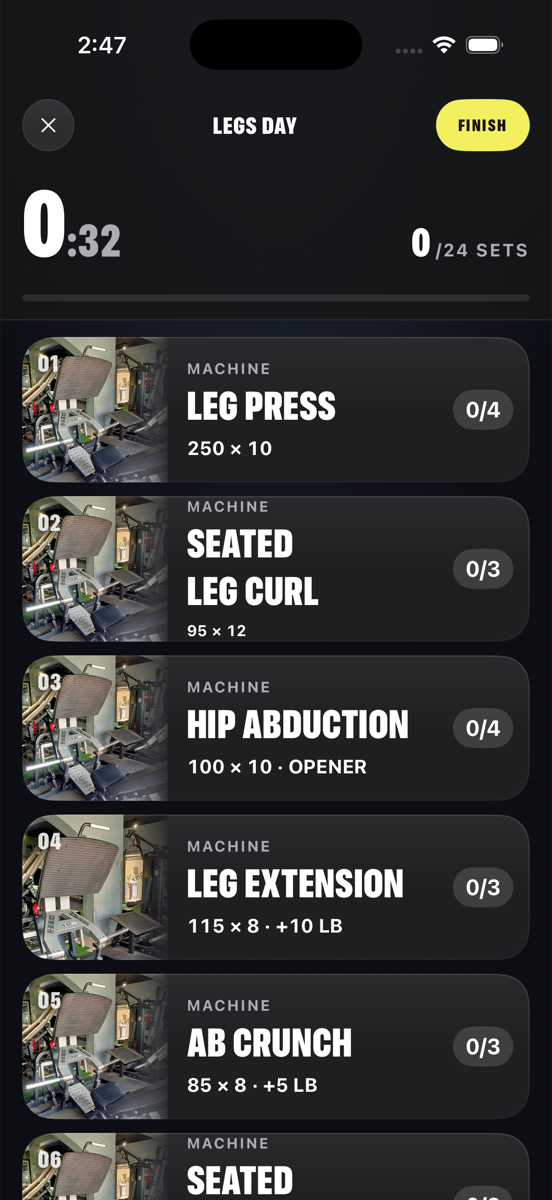
Log a set in one tap
The set page knows the weight and the reps before you get there. All you have to tell it is how many you had left — and the app's whole opinion is that the answer should be zero.
- ✓The nudge. Rack a set with two reps still in the tank and it says so, while the weight is still in your hands.
- ✓Rest, warm-ups and plate math. The ramp on your first barbell movement, the plates for the number on screen, and a timer that starts itself.
- ✓Records at the end, not mid-set. A trophy interrupting your sixtieth set is a celebration that costs you the set after it.
Apple Watch
Leave the phone in the locker
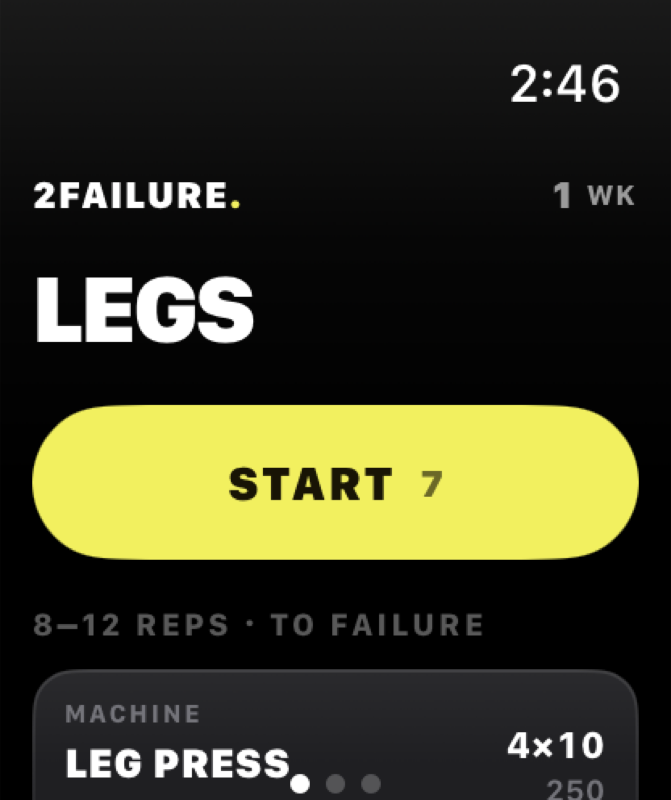
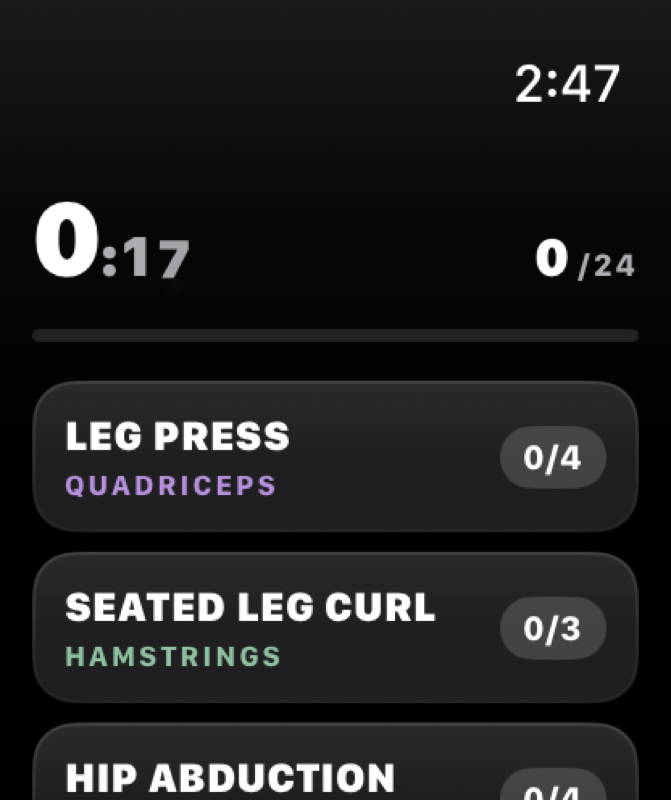
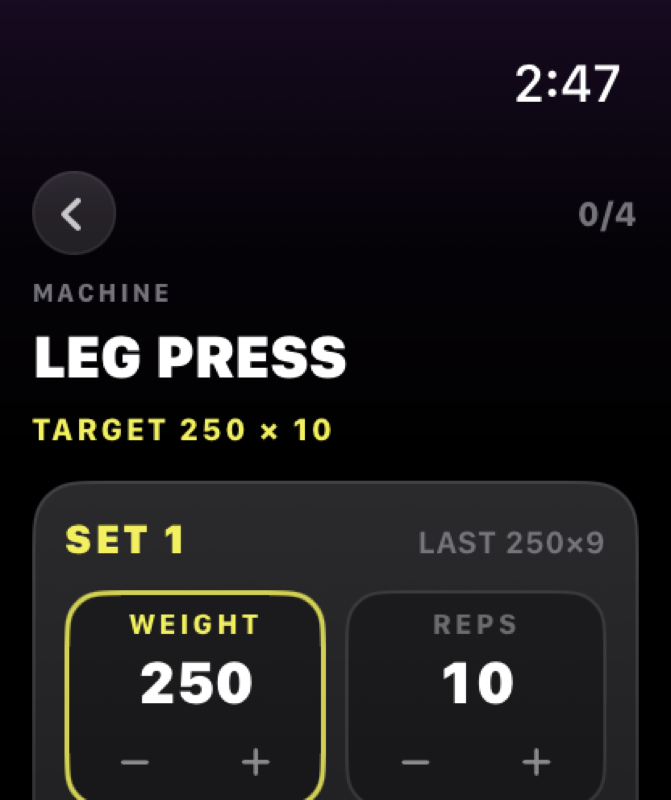
The watch app is not a remote control. It runs the session — the plan, the clock, every set, the rest timer — and hands it back to your phone when you are done. It comes with the app; there is nothing extra to buy and nothing to sign in to.
- ✓The Digital Crown sets the weight. One detent is one increment, so 185 → 225 is a flick rather than eight taps.
- ✓It stays on your wrist. A real workout session, so raising your arm mid-set returns you to the set — not to the watch face.
- ✓It works out of range. Sets logged with your phone in a locker are queued and land the moment you are back together.
- ✓Rest taps your wrist. The last seconds of the timer, without looking at anything.
Pricing
Everything that trains you is free
The bank, the generator, logging, double progression, the recovery model, the weekly targets, the watch app and the export button — all free, with no account and no advertising. Pro is the analysis layer on top.
No account. Nothing leaves your phone.
- ✓3,253 movements and the session generator
- ✓Double progression and PR detection
- ✓The Push · Pull · Legs routine, adapted to you
- ✓Recovery model and weekly set targets
- ✓The full Apple Watch app
- ✓JSON and CSV export of every set
Cancel any time. Nothing logged is ever taken away.
- ✓The workout report. Volume, adherence, failure rate and every lift, on one page.
- ✓Apple Health, both ways. Sleep and food in, finished sessions out to Fitness.
- ✓Gains score history. Every week you have scored, side by side.
- ✓Everything in Free, unchanged
Payments are handled by Stripe — card details never touch this site. You can also subscribe inside the app, where it is billed through your Apple Account.
Get it
iPhone and Apple Watch
2Failure is in TestFlight while the first builds go out. The watch app is included — installing on your phone offers it to your watch automatically.
Requires iOS 17 or later and watchOS 10 or later.
Questions
The short answers
Do I need an account?
No. There is no sign-up, no login and no server holding your training. Everything is stored on your phone, and the export button hands you all of it as JSON or as a CSV with one row per working set.
What does "to failure" actually mean here?
RIR 0 — no reps left. Not "close to it". The app asks for that number on every set and it is what progression reads: hit the top of your rep window with a rep or less in reserve and the load moves up next time.
Is the watch app a separate purchase?
No. It ships inside the iPhone app and is free. Install 2Failure on your phone and your watch is offered it automatically.
Does the watch work without my phone nearby?
Yes, for the thing that matters. You can run and log a whole session with your phone in a locker; the sets are queued and land the moment the two are back in range. Starting a brand-new session does need the phone, because the phone is where your history and your plan live.
Can I use kilos?
Yes, and the app rounds to real plate and stack increments in whichever unit you pick, so a converted pound never shows up on screen.
What happens to Pro if I cancel?
You keep every session, every record and every number you have logged — those are yours and they are free. You lose the report, two-way Health sync and the score history until you resubscribe.
I subscribed on the web. How do I get Pro in the app?
Subscribing here sets up billing through Stripe and emails you a receipt with your access details. Subscribing inside the app instead bills through your Apple Account and unlocks immediately — if you want Pro on your phone today, that is the quicker route.